
Cloud
Hosting sites and apps on Google Cloud
The path Netlinks uses to host its own sites and its clients' sites: Cloud Run, custom domain, certificate, database and email, with no server to babysit and no surprise on the bill.
3 modules 10 lessons 8 hoursLevel: Hands-on, from code to a live site
Lessons open on April 1, 2027

Digo Garcia
Founder and CAIO of Netlinks Group
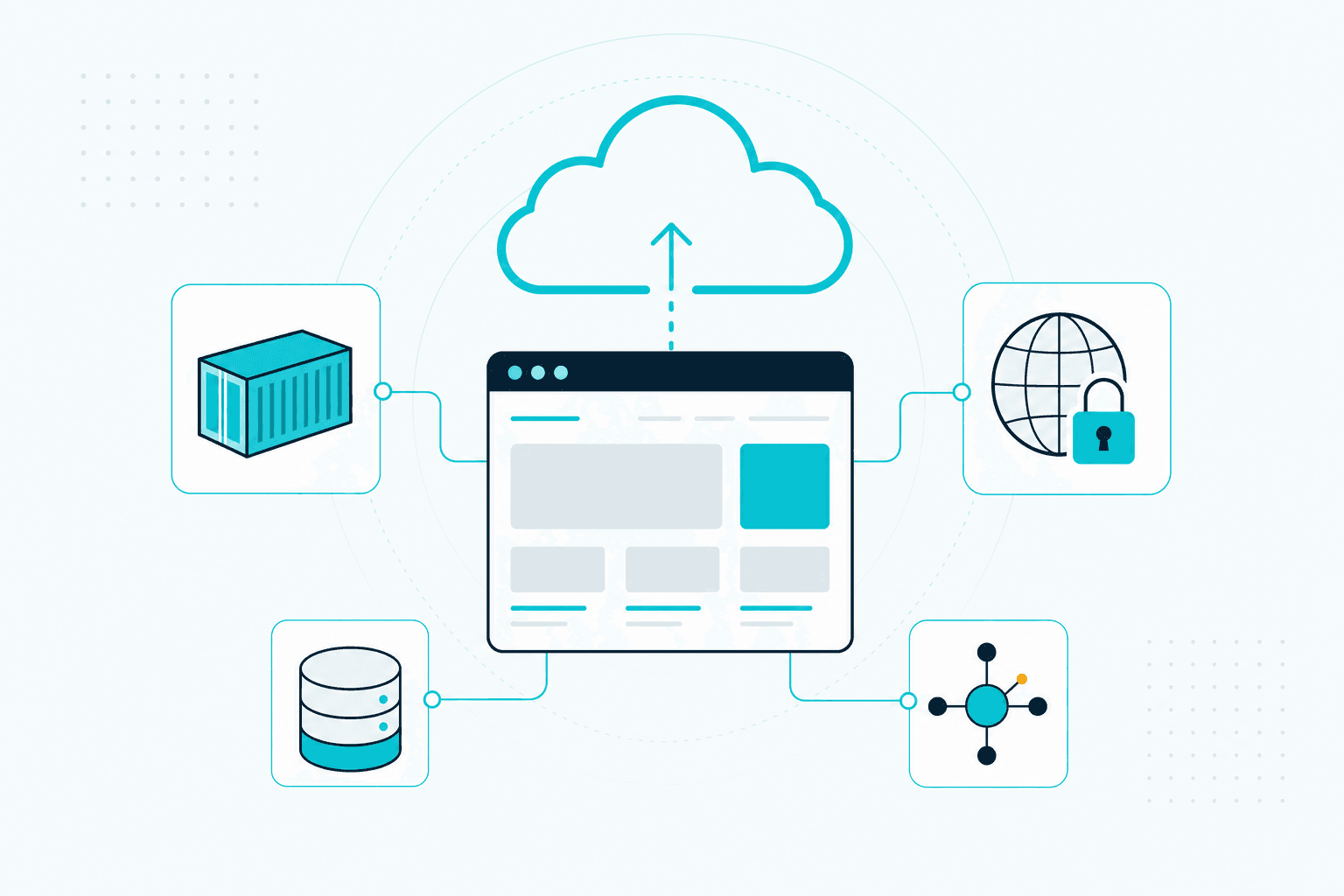
Sample lesson
Shared hosting versus cloud
What you will learn
- Choose between Cloud Run, App Engine and a virtual machine
- Deploy a Next.js or WordPress site on Cloud Run
- Point domain, DNS and HTTPS without downtime
- Connect a database and file storage the cheap way
- Track cost and set alerts before the bill arrives
- Move a site off shared hosting without losing SEO
Who it is for
- Agencies tired of depending on shared hosting
- Developers who want to ship their own project safely
- Site owners who want speed and control
Course content
3 modules · 10 lessons · 8 hours
01Where the site will live3 lessons
- Shared hosting versus cloudSample lesson14 min
- Cloud Run, App Engine or a virtual machine16 min
- Project, region and billing13 min
02Going live4 lessons
- From code to container17 min
- First deploy on Cloud Run18 min
- Domain, DNS and HTTPS16 min
- WordPress on Google Cloud17 min
03Running without surprises3 lessons
- Database and file storage16 min
- Cost, budget and alerts15 min
- Migrating without losing SEO16 min
Questions about this course
Is it more expensive than shared hosting?
For most sites, no. Cloud Run charges by usage and has a monthly free tier. The course shows how to set a budget and alerts so you know the amount before the bill arrives.
How is this different from the Google Cloud Management course?
This one is about putting sites and apps live. The Management course is for those already running several projects: access, organization, costs across many services and team operations.
Related courses
 Opens Dec 2027
Cloud
Cloud Fundamentals
Understand what the cloud really is: servers, network, database and cost, without rote memorizing.
withDigo Garcia
3 modules · 7 lessonsView course
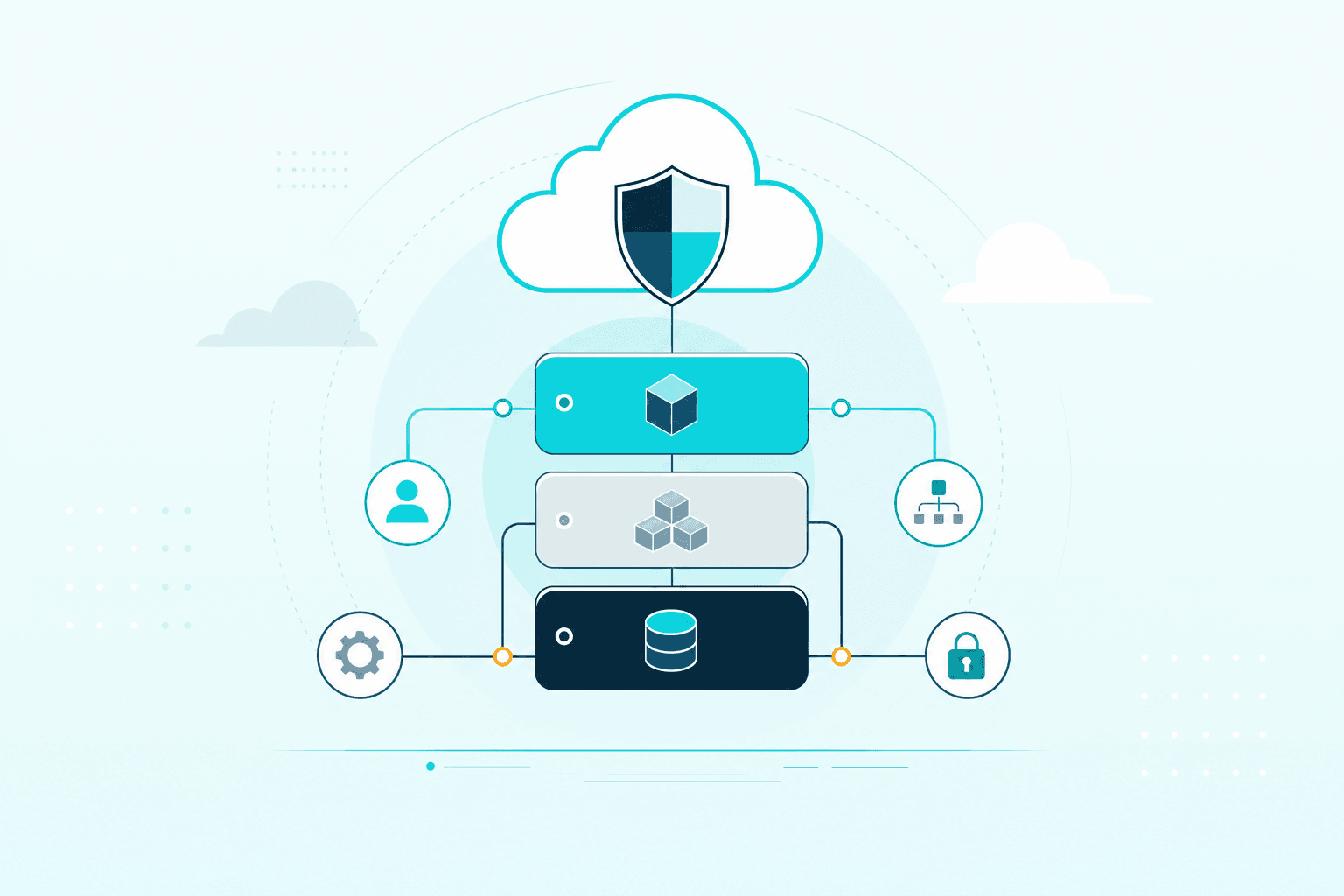 Opens Mar 2028
Cloud
Managing Google Cloud
Run projects on Google Cloud with control over cost, access and deploy, the way Netlinks operates.
withDigo Garcia
3 modules · 8 lessonsView course
 Opens Nov 2026
SEO and GEOFeatured
Advanced SEO and GEO Program
The school's complete program: from search mechanics to a final project on your own site.
withDigo Garcia+2
8 modules · 44 lessonsView course